Creatio
No Code for Finserv
No-Code is the key to building apps and workflows that exceed customer demands, align sales strategies and differentiate marketing. Technology Advisors can help you capitalize on No-Code automation using today’s market leading No-Code platform, Creatio.
Learn more about No Code for Finserv
Creatio
This award winning CRM system and no code application automation helps businesses manage processes across the entire customer journey on a single low code platform. We help businesses understand their CRM requirements and processes to effectively onboard Creatio, which includes a process for guaranteed user adoption.
Learn more about Creatio
Creatio Migration
TAI is a strategic migrator who can prepare your records, import your custom fields, and move the appropriate data into your Creatio instance.
Learn more about Creatio Migration
Creatio Integration
Simply put, Technology Advisors, Inc. (TAI) is an expert integrator. We’ve been helping customers connect solutions like Creatio for more than a decade. Whatever your integration requirements, TAI has the tools and skillsets to deliver results.
Learn more about Creatio Integration
Creatio Enterprise Implementation
Technology Advisors delivers complete Creatio implementations so bustling enterprises like yours won’t miss a step.
Learn more about Creatio Enterprise Implementation
Creatio Advanced Implementation
Technology Advisors’ Advanced implementation process enables your custom fields, kickstarts your integrations, and sets up all your core functions to ensure your success with Creatio and maximize your ROI sooner.
Learn more about Creatio Advanced Implementation
Creatio Basic Implementation
Creatio onboarding doesn’t have to be a painful process. Basic onboarding is a great fit for businesses that need simple implementations with professional results.
Learn more about Creatio Basic Implementation
Creatio Implementation
No two businesses are alike. Each has its own processes, budgets, and long-term goals. Our Creatio implementation packages provide options to fit your business.
Learn more about Creatio Implementation
Creatio Support
Your Creatio instance must be as dynamic and reliable as your skilled team. Creatio support with Technology Advisors is flexible to fit every size team, every budget, and every business.
Learn more about Creatio Support
Creatio Training
Ready to get started with Creatio? Technology Advisors offers comprehensive training opportunities for your entire staff.
Learn more about Creatio Training
Phasing Digital Transformation to Mitigate Risk and Ensure Success
At a recent digital transformation conference, our CEO explained how to use mathematics—specifically the theory of probability—to mitigate risk for digital transformation projects. He explained why phased digital transformation is crucial for long-term success.
Continue reading
Printable Forms in Creatio: Online User Group
In this online user group, our experts explain printable forms in all their glory! What applications do they have in Creatio? How do you set them up? What kinds of add-ons are available to enhance their uses? Check out the recording to find out the answers...
Continue reading
Tackling Life Science Challenges with No-Code To Adopt A “Digital-Health-First” Mindset
Our CEO, Sam Biardo, interviews Terri Schiffer of Onco360, about her company's use of Creatio and the security, marketing, and low code features that led her team to adopt the solution.
Continue reading
Phasing Digital Transformation to Mitigate Risk and Ensure Success
Digital transformation projects that are phased are more likely to succeed. In this video, Sam uses probability theory to explain why this is the case and offers tips for mitigating risk and ensuring long term success.
Continue reading
Creatio Online User Group: Mobile App
In this user group session, our experts highlight Creatio's mobile application and its features. They also explain how admins can configure mobile settings and workflows for mobile app users. Check it out!
Continue reading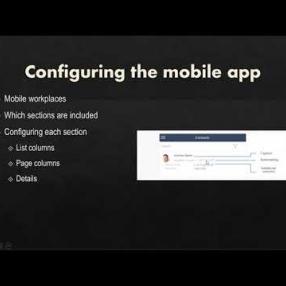
Trigger a Mobile Push Notification Using Creatio
Ever need to urgently alert users when a trigger condition is met? Creatio has a base ‘Send Push Notification’ process that you can leverage.
Continue reading
How To Auto-Refresh Your Creatio Dashboard
CRM dashboards are meant to present a big picture that combines different data points as a quick and easy-to-understand visual summary. In Creatio, dashboards are built into each section with a rich feature set that lets you design and build them to suit any reporting needs.
Continue reading
Creatio Online User Group: Campaigns
During this online user group discussion, we highlight Campaigns in Creatio Marketing. How do they work? What are campaigns in Creatio Marketing? What are their benefits? What's new with Campaigns? How can you build and report on Campaigns? Check out this recording to find out the answers to…
Continue reading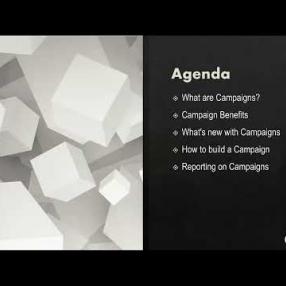
Tips for Building Your First Creatio Marketing Campaign
This blog post gives users a glimpse into the powerful tools found within Creatio's Marketing Campaigns.
Continue reading
Andy Zambito of Creatio
Andy Zambito, Chief Sales Officer, Americas at Creatio, joins Sam & Steve to talk about process management, CRM, digital transformation, low-code, tailored experiences, differentiation, speed of change, speed of operations, and more.
Listen Now
Creatio Homepages: TAI User Group
Have you heard about Creatio's new homepages feature? In this online user group, our experts show you how to use homepages, discuss who can use them, and offer advice on when to use homepages versus different types of dashboards. Check it out!
Continue reading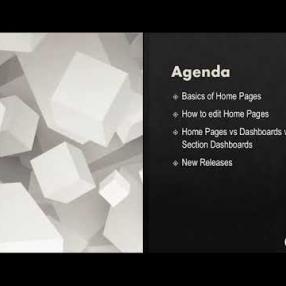
Use Cases for Creatio's Business Process Tools
Within this blog, you begin to learn the value behind Creatio's business process tools. Within Creatio's business process tools, users have the ability to understand how to automate more simple or complex processes within their organization.
Continue reading
Creatio Business Rules: Dependently Required Fields
In this Creatio user group segment, Megan explains how to use the business rule for dependently required fields in Creatio. These business rules allow the user to define a logic to make fields required only when necessary. Megan demos an example.
Continue reading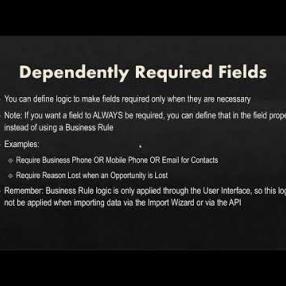
Creatio Business Rules: Filtered Lookup
In this user group segment, our Creatio experts describe and demo how to use filtered lookups as a business rule in Creatio.
Continue reading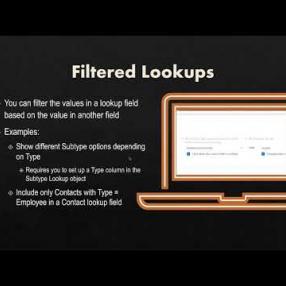
Creatio Business Rules: Dependently Read Only Fields
In this user group segment, our Creatio expert highlights how and when to use dependently read only fields in Creatio. These business rules allow you to define logic and lock fields for editing in specific situations.
Continue reading